Check with your account manager to ensure that you have FTP access and they can enable this feature for you. This is where your files and images will be processed and hosted for your external items.
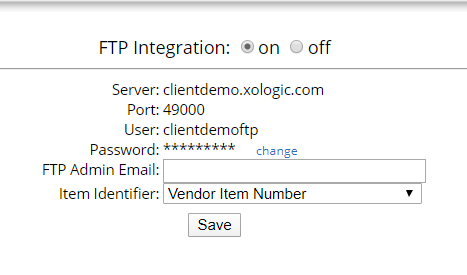
Once you have FTP access you will be provided with the following credentials that are similar to this. Server: clientdemo.xologic.com Port: 49000 User: clientdemoftp Password: (Ask your account manager)
Once your account manager has granted you FTP access, you have the ability to view these credentials. Login as admin and go to Settings -> Integrations -> FTP Set up. You should end up on a page like this. Once on this page you have the ability to change your password if you wish.
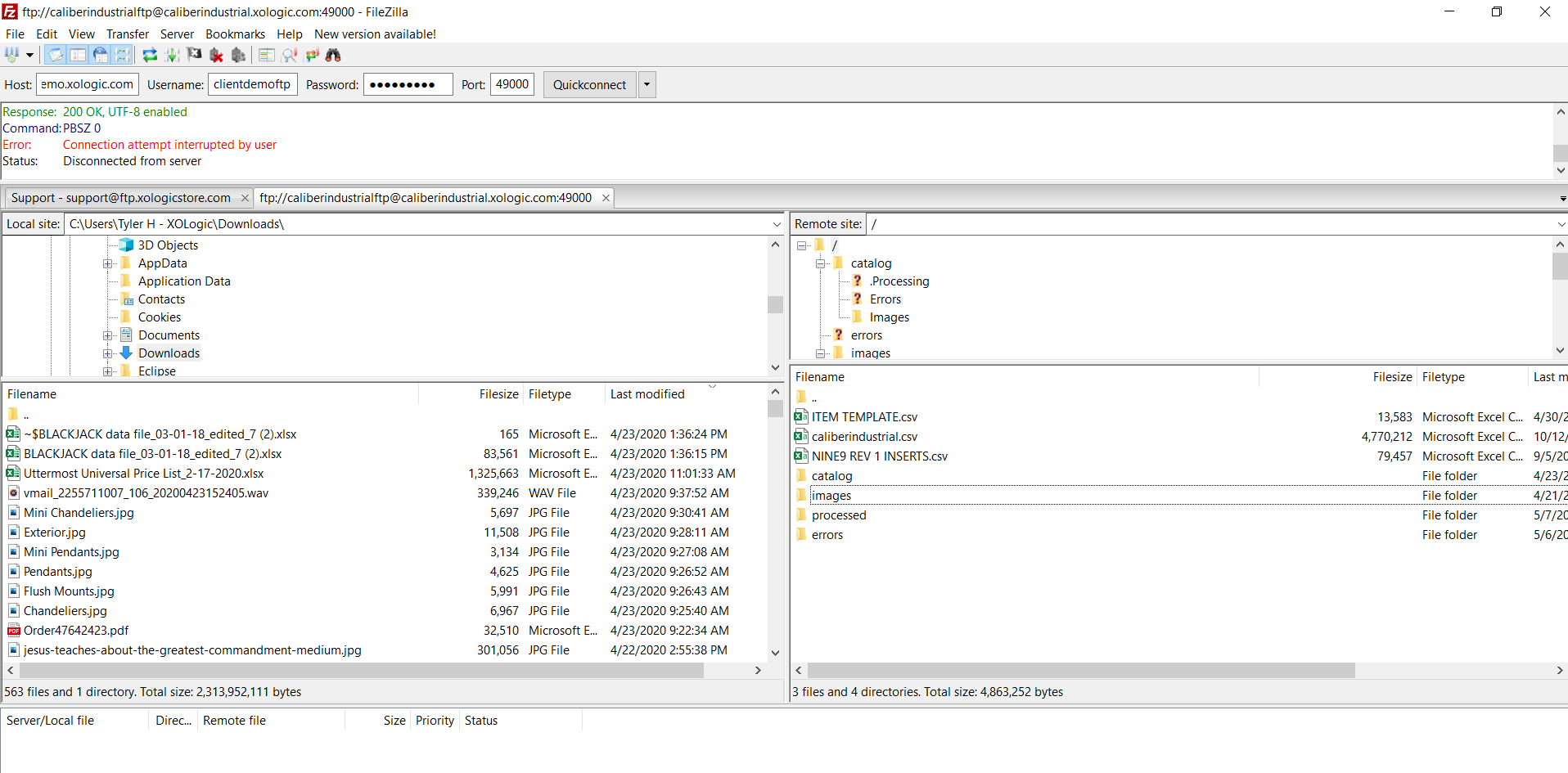
Once FileZilla has been installed on your computer, open up the program and enter in the FTP credentials into the respective field. It should look something like this

Comments
0 comments
Please sign in to leave a comment.