
There will be times when you may want to change the SalesRep for an Account. Below is a Step by Step guide on how to do this. This can only be done if you have Administrator Privileges.
- Log into the XO Logic Dashboard
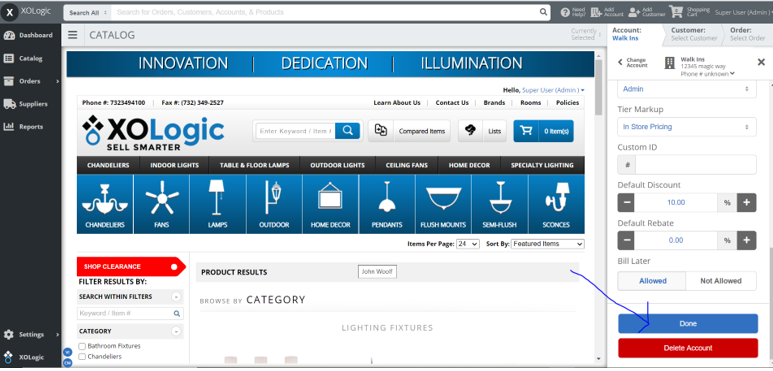
- On the right side of your screen, click on the “Account” tab and select the Account you wish to modify.
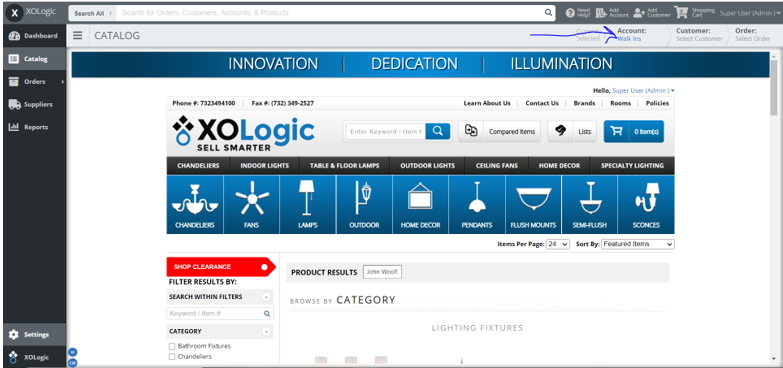
- Click on the Account Management dropdown to access the Account Information
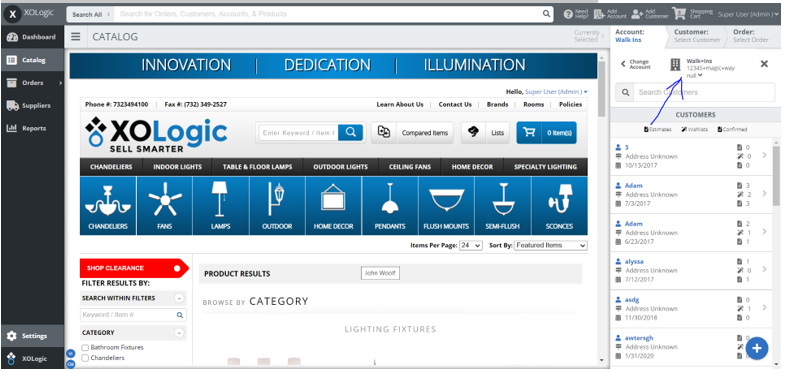
- Scroll down to where you will find a dropdown menu titled “Assigned Salesrep”
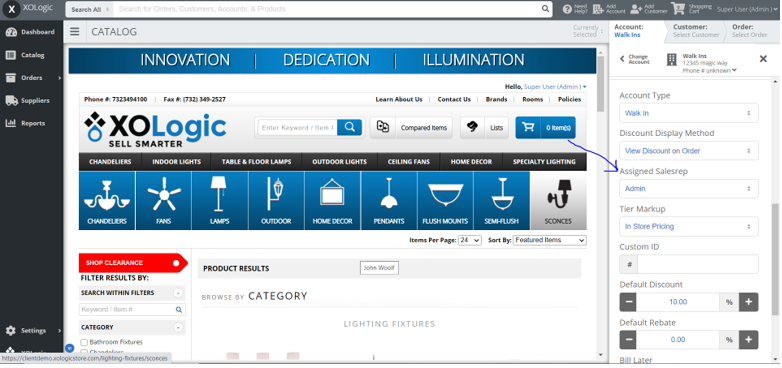
- Click on the dropdown to show the Salesrep you wish to assign to this account
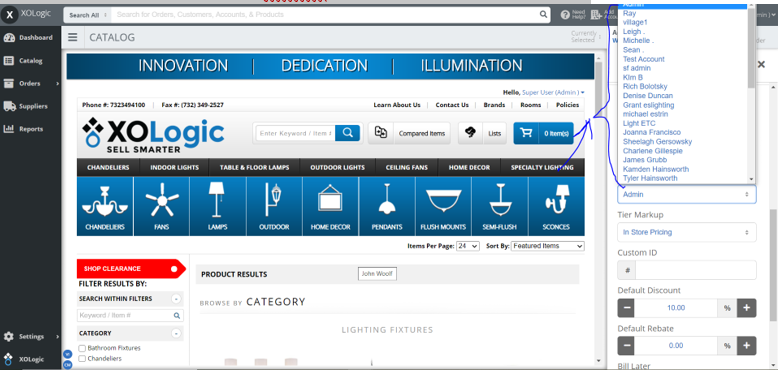
- When you have selected a new SalesRep, Click the Blue “Done” button at the bottom.
- Your newly assigned SalesRep will now receive emails and all communications for all activity in that account.
Comments
0 comments
Please sign in to leave a comment.