- Go to https://developer.paypal.com/developer and log in to the developer dashboard.
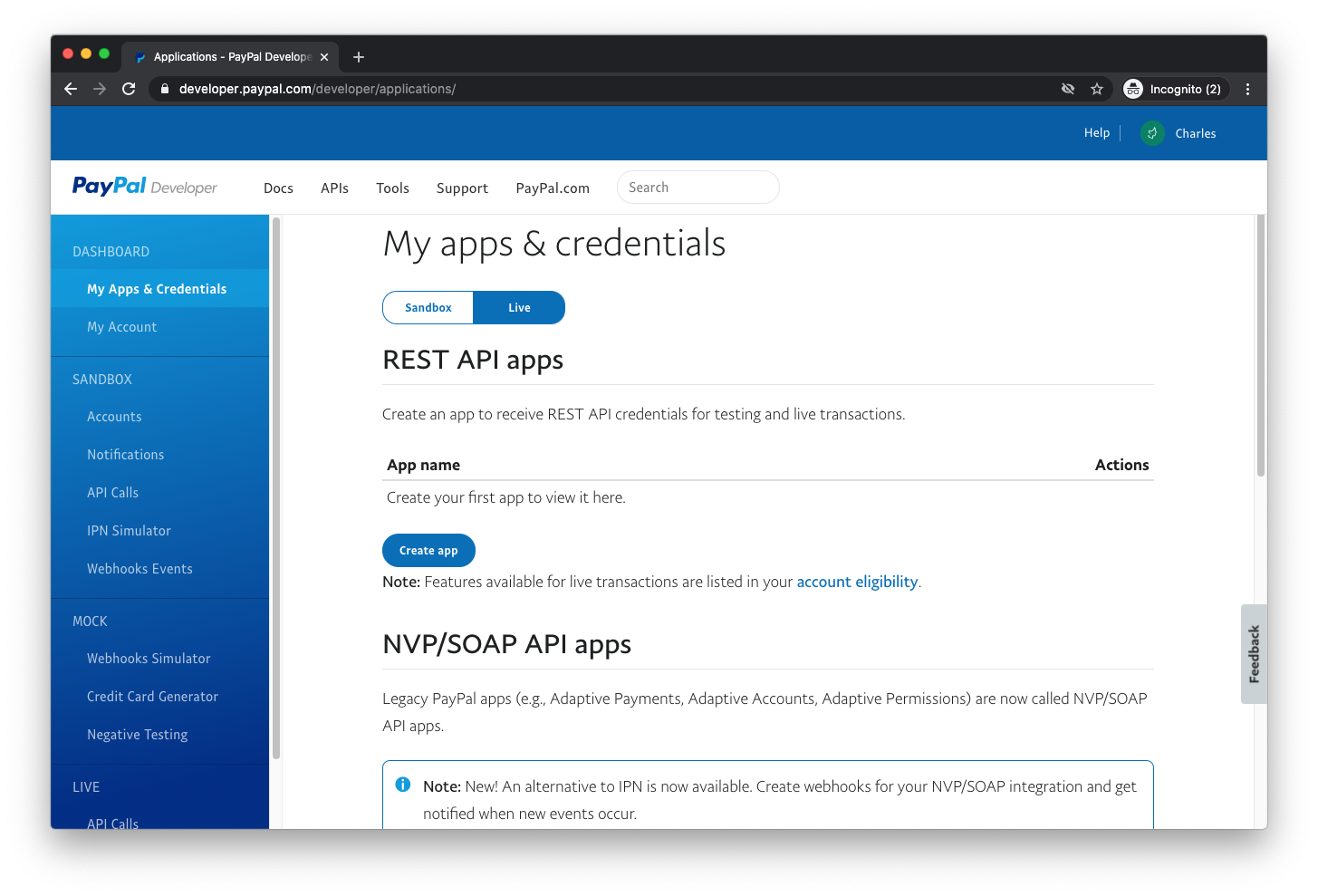
- Under My Apps & Credentials select Live and then Create app. This may involve upgrading to a business account if you have not already done so. This process involves submitting business contact information along with a legal business name for review by PayPal.
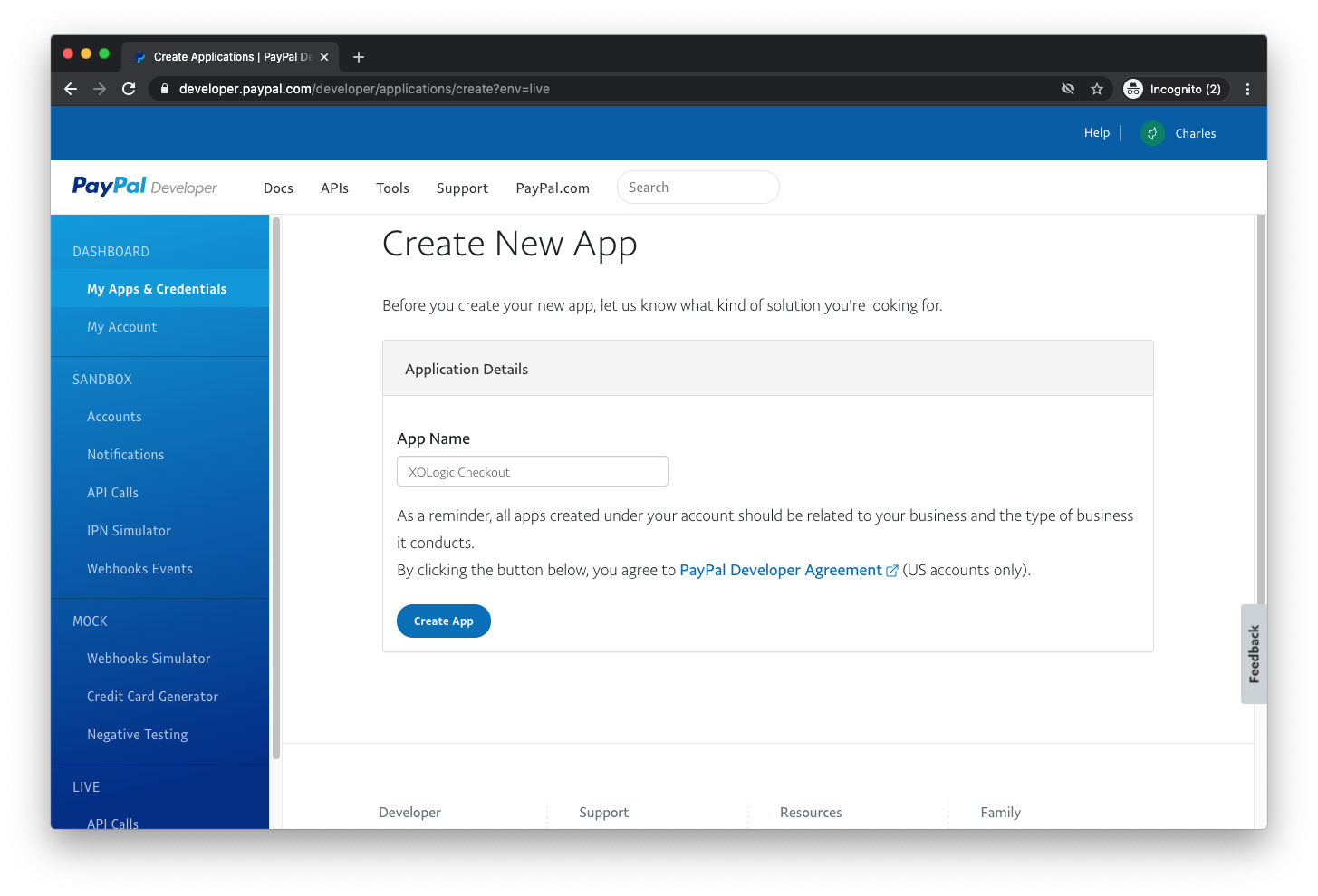
- Provide a name for the app under App Name.
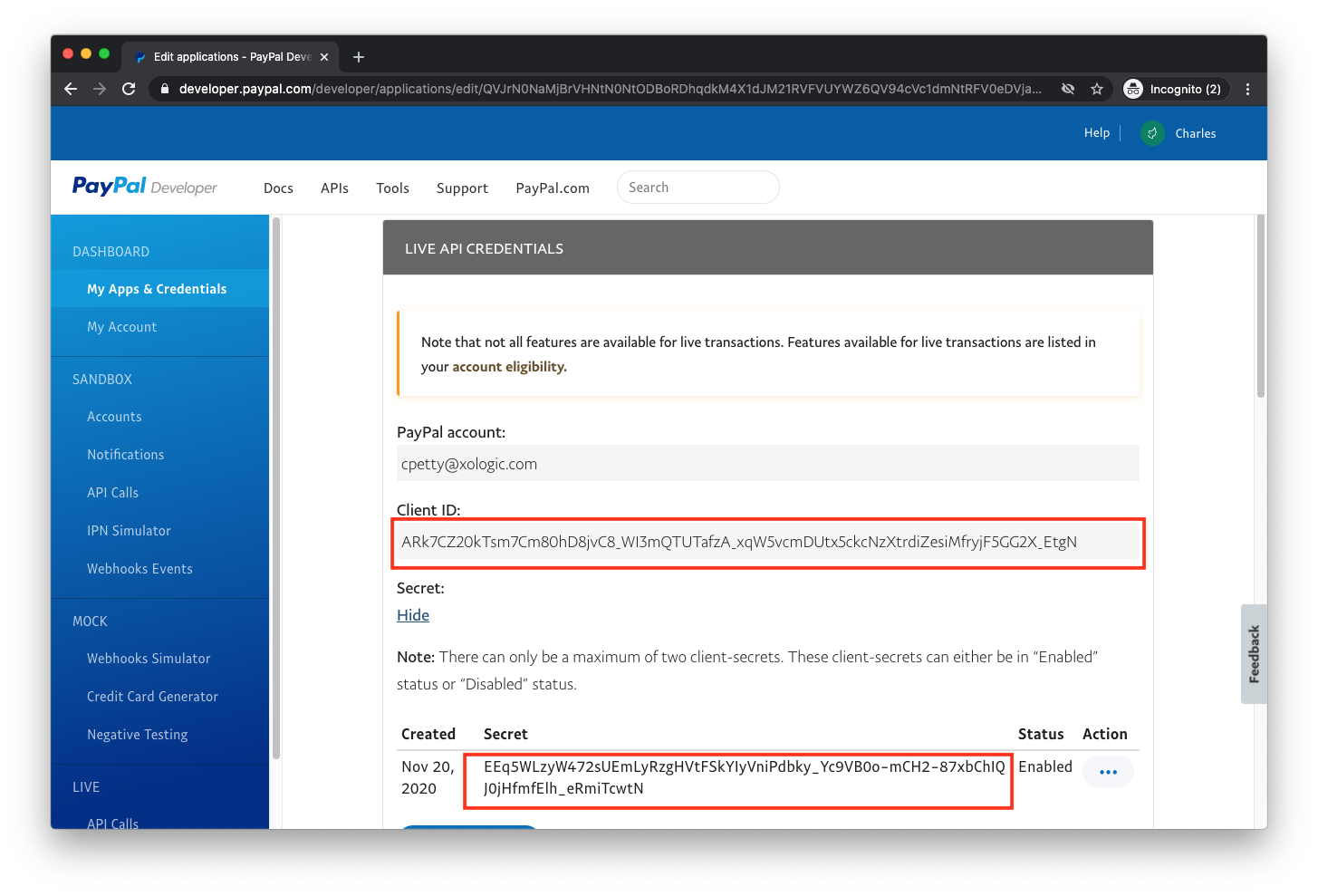
- Click Create App. Copy the credentials found under Client ID and Secret and provide these to XOLogic. This will enable us to create and authorize payments on your behalf.
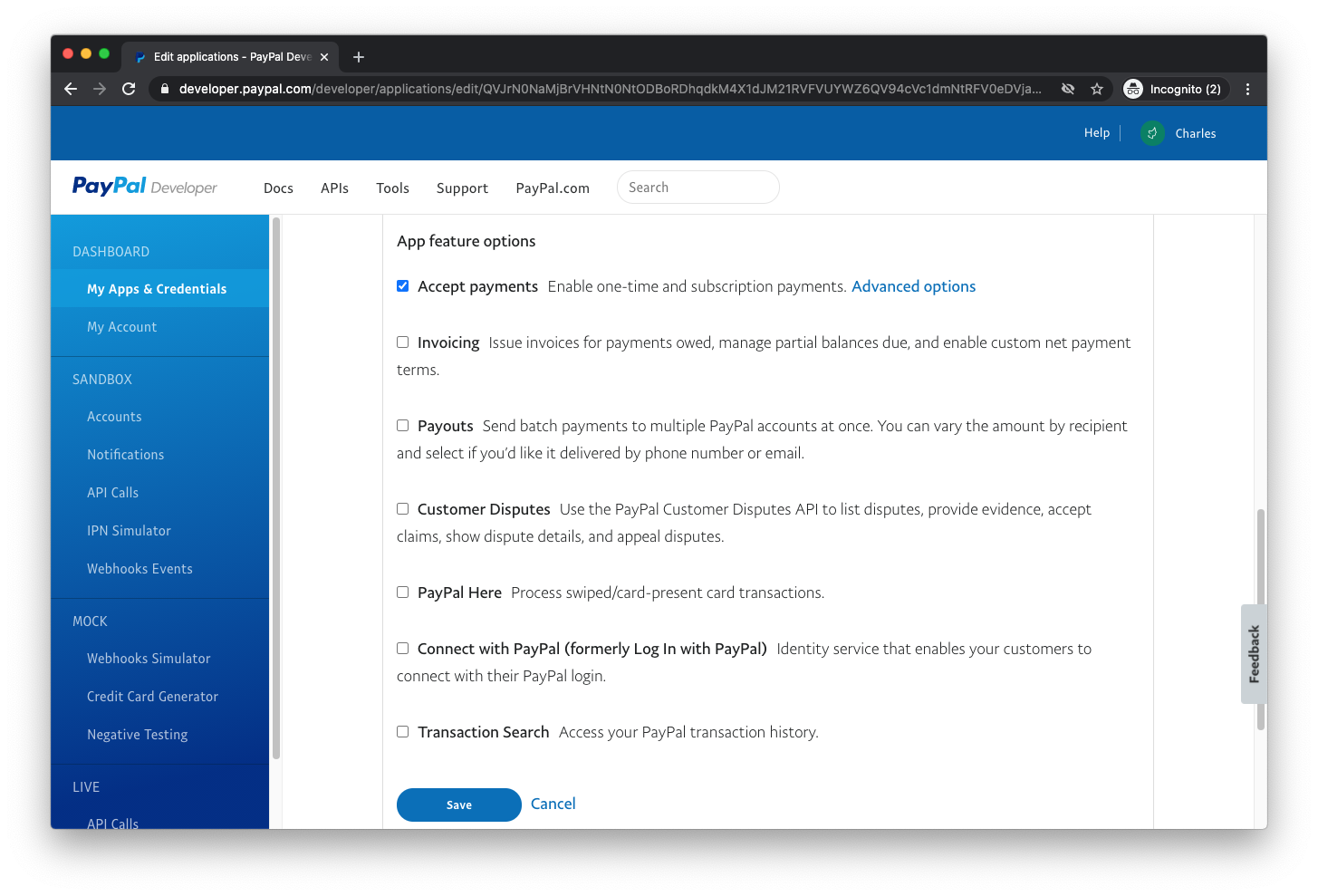
- Scroll down to LIVE APP SETTINGS. Ensure Accept Payments is checked under App feature options. It will not be necessary to provide permissions for any other feature for this app.
New Paypal Integration Set up

Comments
0 comments
Please sign in to leave a comment.