
The target price feature within the XOLogic platform allows you to select a price for any top level category, such as, Chandeliers, Lamps, Sconces, etc.
For example, I can set my products within the chandeliers category at $300.00. When sales reps, admins, or web guests view chandeliers on your website, products with a price closest to the target price will display first.
You can set this up for as many different top level categories as you would like.
Contact your account manager to enable this feature on your website. Once enabled, you can access it by logging in and going to, Settings -> App settings -> Target Price.
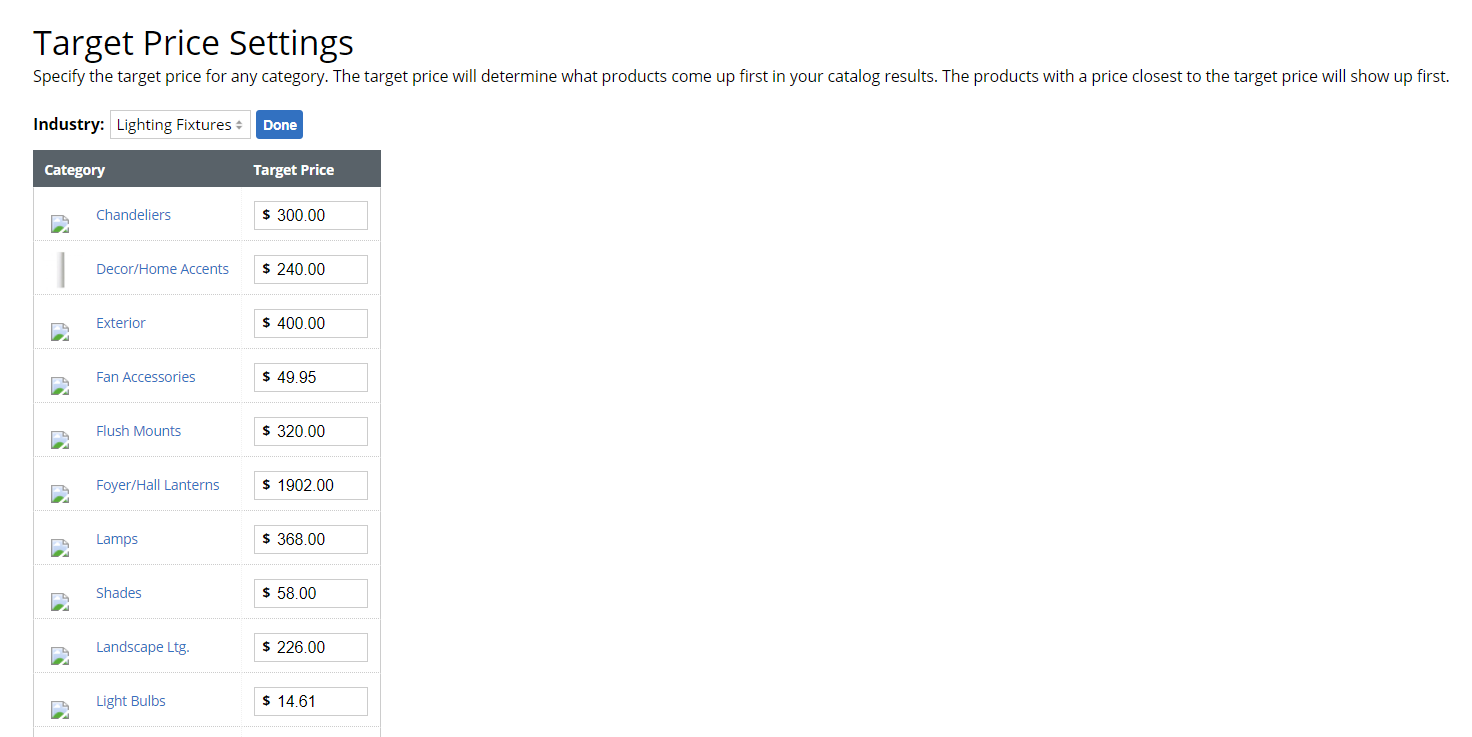
Once configured, order and add target price in your featured sort settings.
Comments
0 comments
Please sign in to leave a comment.