
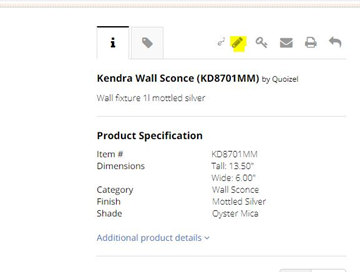
1 - To remove an item, you will need to pull up the item and click on the pencil icon:
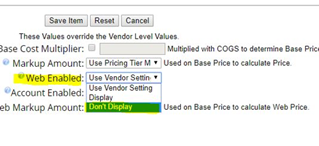
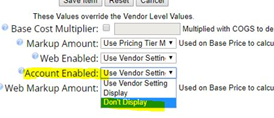
2 - You will then need to change both "Web Enabled" and "Account Enabled" to "Don't Display":
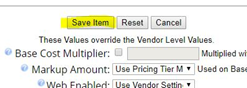
3 - Then you will just need to press the "Save Item" button and you are done:
Comments
0 comments
Please sign in to leave a comment.